
How to use TikBox
Sign in with the same Google account as the website → choose your game → connect TikTok → customize gifts → add Studio links → go live
Download TikBox (Windows) · Can’t install?
TikBox by BoxBlock
Connect viewer gifts to in-game actions so streamers and viewers play together.
TikBox links TikTok Live gifts straight into the game, with no separate software rental fee.
When you rent a map on BOXBLOCK, TikBox is free — use it freely with no action limit, under the platform terms.
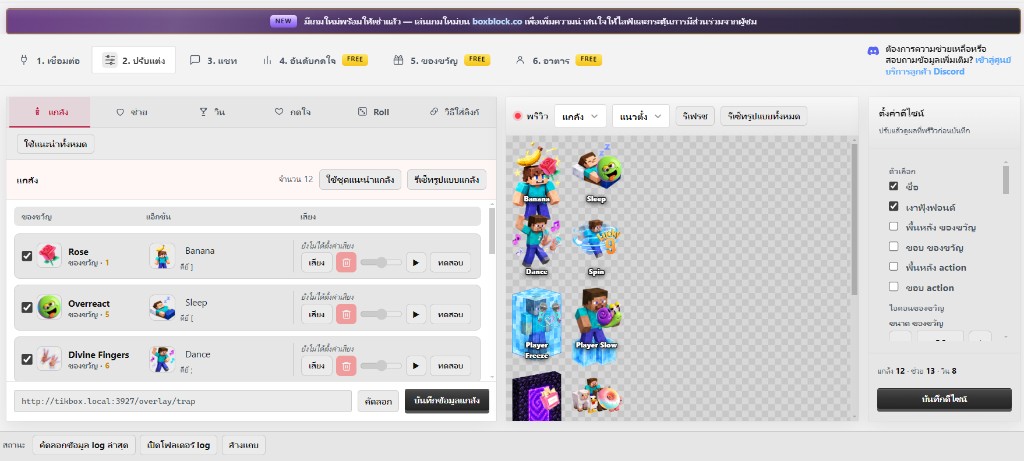
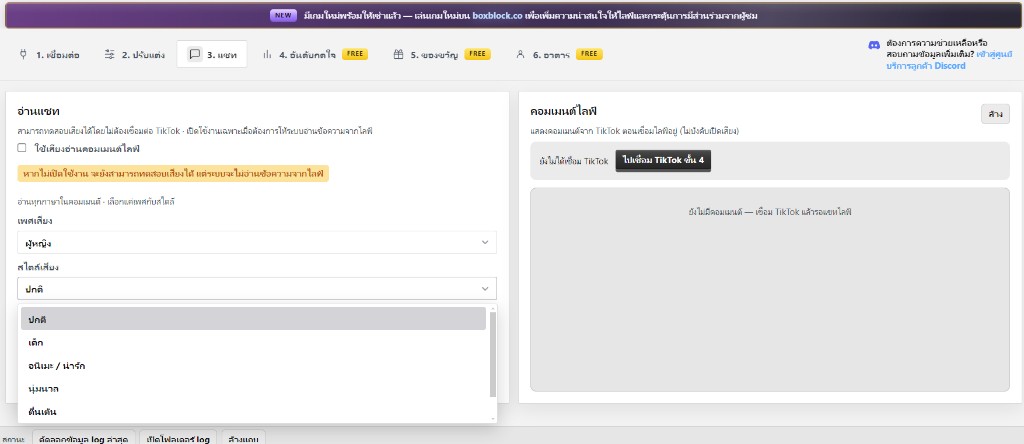
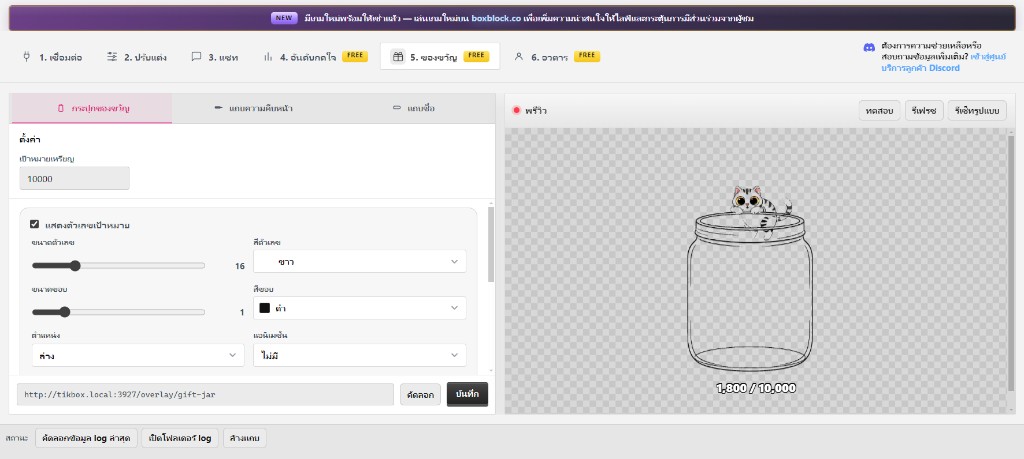
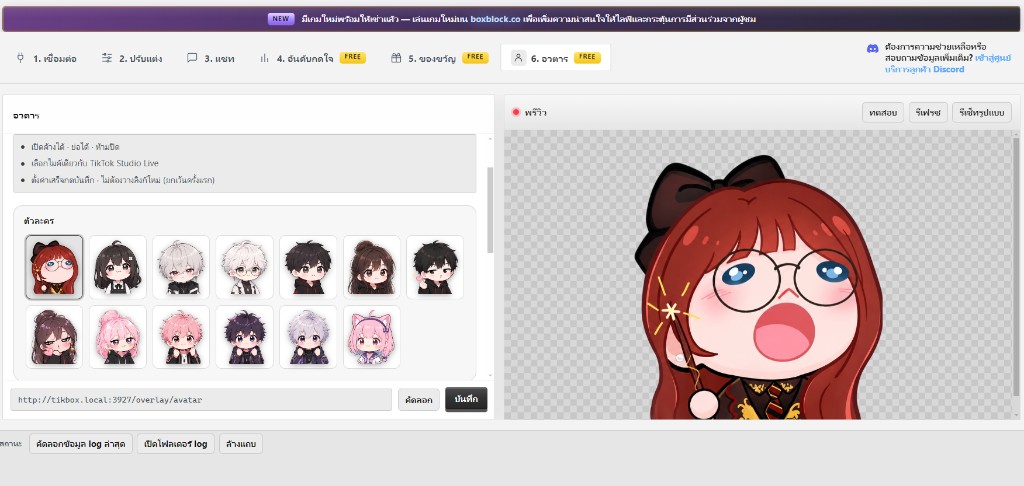
Follow these steps
- 1Open TikBox and sign in with Google
Use the same Google account as boxblock.co — rented games load automatically.
- 2Pick a game and connect TikTok
Tab “1. Connect” → choose a game → enter TikTok username → Connect.
- 3Connect TikTok while live
Enter username (no @) → Connect only while you are live.
- 4Open the rented Roblox map
Join as usual (in-game 6-digit Verify is separate from TikBox login) and focus the game window.
- 5Don’t like the pack? Customize
Tab “2. Customize” — pick gifts / sounds / trap–helper–wins yourself. No admin design request.
- 6Likes / follows (optional)
Tab “3. Likes / Follows”, then save.
- 7Add links in TikTok Live Studio
Copy 3 Browser Sources: left = trap · right = helper · top = +/- wins.
- 8Go live
Gifts fire → game reacts. When that rental expires, that game stops in TikBox until you renew.
“Customize in TikBox · How to: boxblock.co/guide/tikbox · Install help: /guide/tikbox/install”