
Guide
How BOXBLOCK works
Pick a map and rent → open Library and join with the link → enter the 6-digit code → keep TikBox open → connect TikTok and go live
TikBox by BoxBlock
Connect viewer gifts to in-game actions so streamers and viewers play together.
TikBox links TikTok Live gifts straight into the game, with no separate software rental fee.
Rent a game with us, use the app free
When you rent a map on BOXBLOCK, TikBox is free — use it freely with no action limit, under the platform terms.
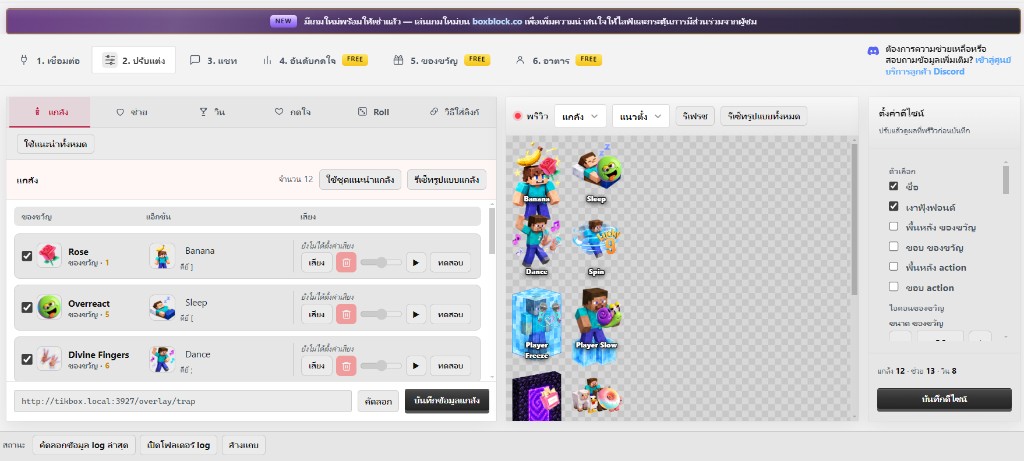
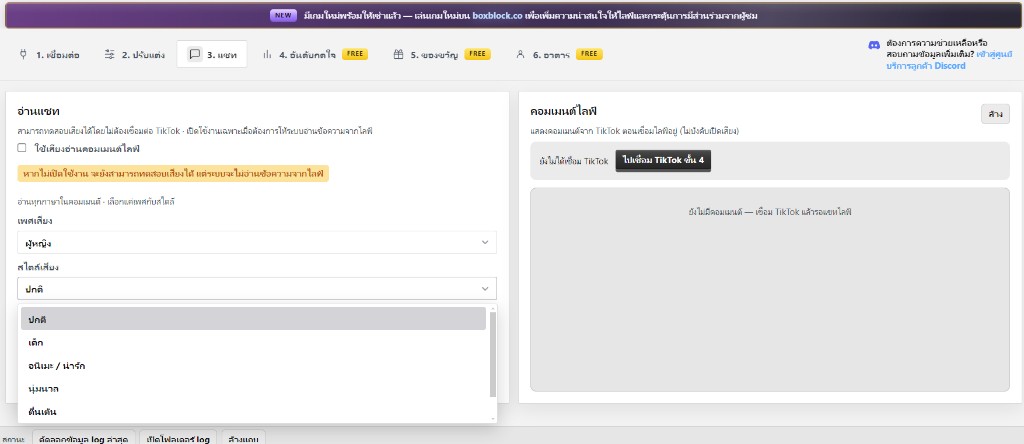
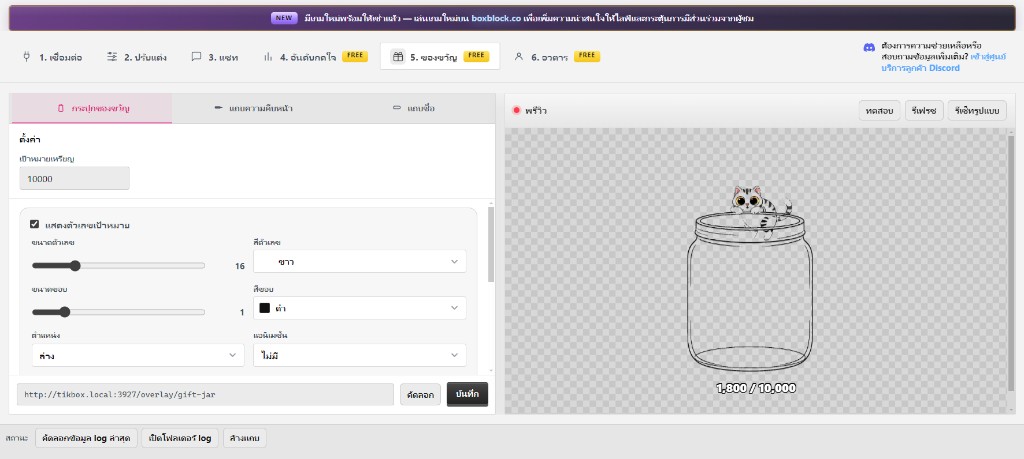
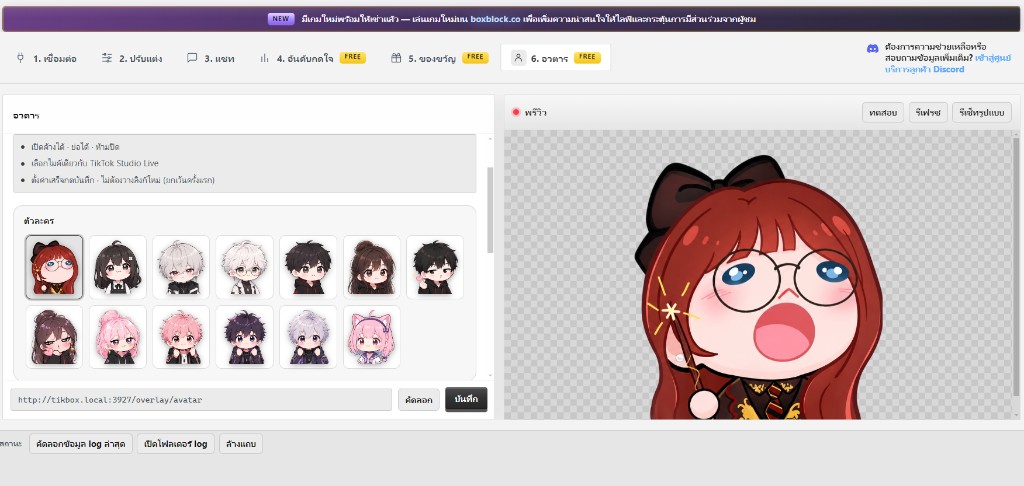
Pick a map and rent · Download TikBox (Windows) · How to use TikBox
Setup steps
- Pick a map on Home or Marketplace, enter your exact Roblox username, and rent
- Open Library, copy the map link, and join the game — the 6-digit code appears on screen
- Open the verification link from the game and enter the 6-digit code
- Download TikBox free, sign in with the same Google account, and keep the app open for the whole live
- Connect TikTok in TikBox, go live, and play
More guides
How to use TikBoxHow to use the TikBox app step by step after rentingCan’t install?Fix Windows install issues and the blue SmartScreen promptRent Roblox maps for TikTokHow to rent a map and go live with TikBoxConnect TikTok gifts → RobloxWire gifts and overlays with TikBoxPlace overlays in TikTok StudioBrowser Sources for trap, helper, and winsVerification GuideIn-game verification steps after you rent a mapFAQShort answers to common questionsDownloadsConnects TikTok → BOXBLOCK games (replaces the old bridge apps).